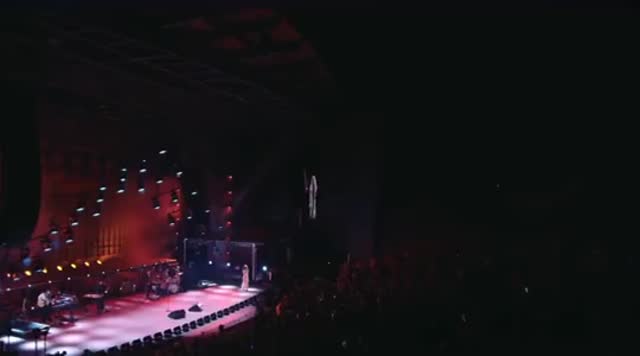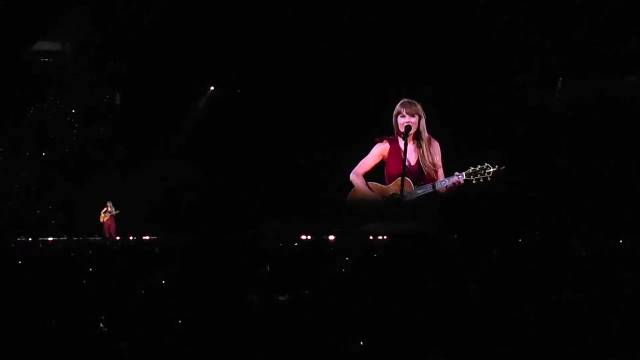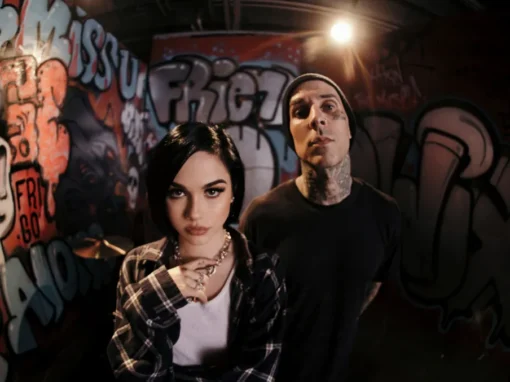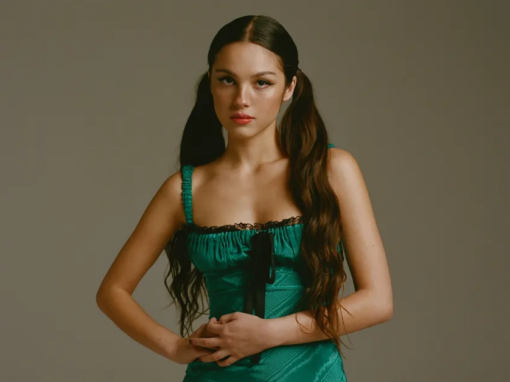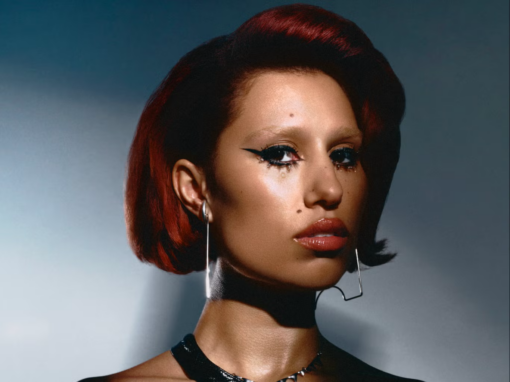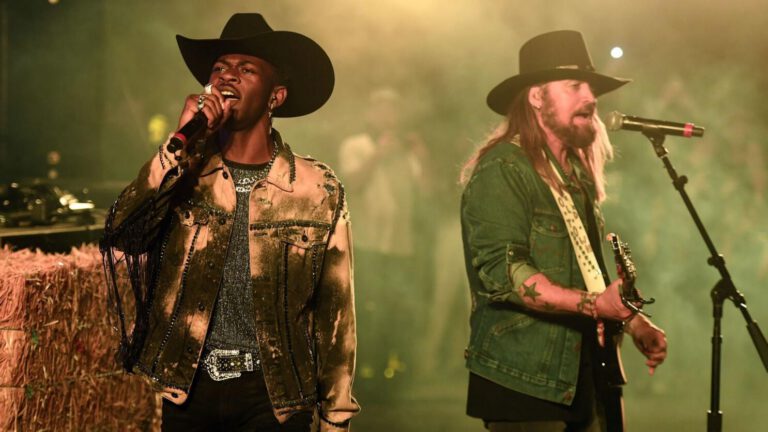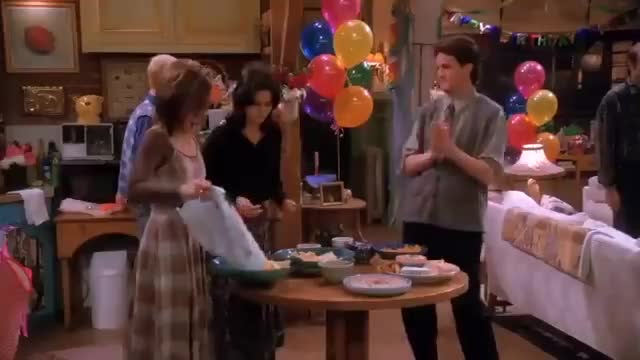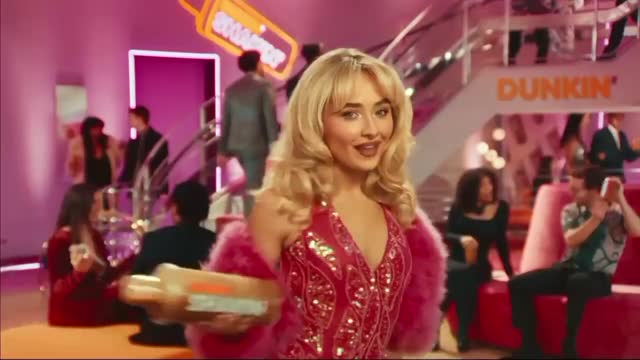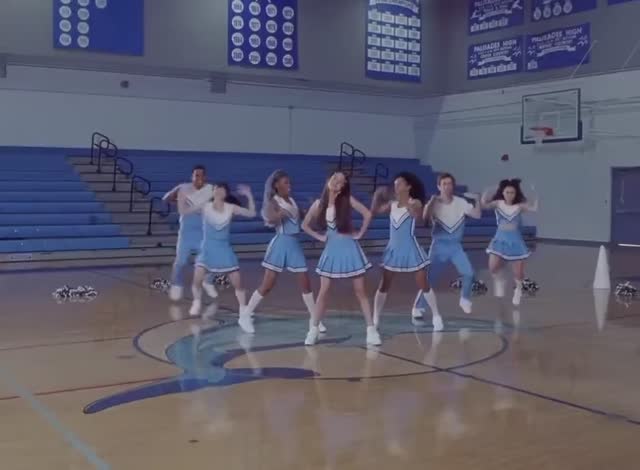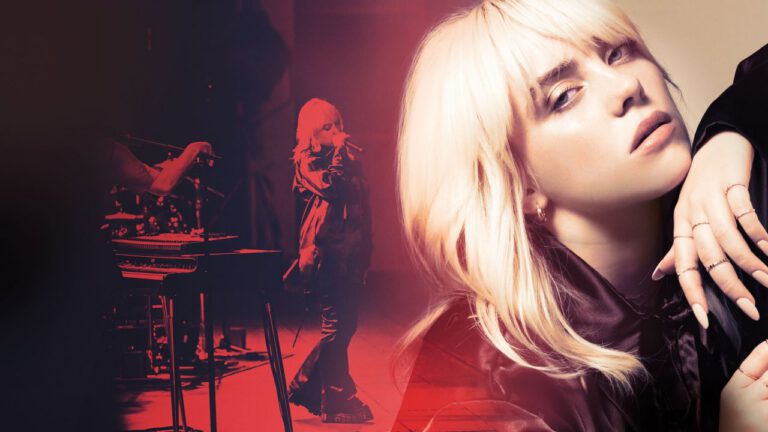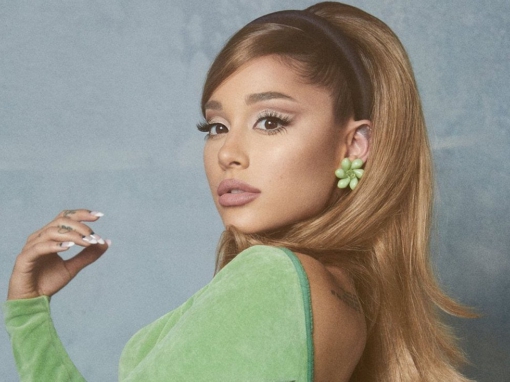
SOUR: Olivia Rodrigo's Debut Album Rollout
Olivia Rodrigo
How a Disney star became the voice of a generation with a…


Sits down with campaign veterans and pulls out the real playbook — move by move.
New episodes every monthHow many singles. When to announce the tour. How far apart to space the drops. The answers already exist — inside 500+ real campaigns from artists who solved rollout in public. Open one and build alongside it.
A moment out of reach at your stage? The Translation Engine rewrites it for your budget. Need a spark? Ask the Idea Engine for momentum builders or release-day plays. Jump from campaign to campaign until the plan is yours.
And don’t ask a chatbot. Ask one how to roll out your single and you’ll get 800 words — ask again tomorrow, 800 different ones. Nothing gets built. Artists don’t need another chatbot; they need plans, campaigns and collaboration, connected and running. Don’t ask what to do. Build it.
Already on TuneCore or DistroKid? Keep them. Plan, schedule and run every release — and all of your socials — right here. Starting fresh? We distribute too: your music on Spotify, Apple Music and 100+ DSPs, from the same board. Everything, or everything else — your call.
The whole rollout — planned, scheduled and shipped from one board.
That’s not a video below. It’s the real product, running live — one campaign from the library on top (this demo runs Gracie Abrams’ This Is What It Feels Like rollout), your row underneath. Scroll, and the board demos itself, one feature at a time.
Behind it: a library of 500+ real campaigns. Open any one in Build Mode — the artist’s rollout on the top row, yours right beneath it — and map your own against a proven play. Or start with you: tell us your goals, how many songs you’ve recorded, your genre, budget and age, and Build Mode assembles your board from moves that worked across artists like you.
Keep scrolling — the board drives itself through every feature.
On top: a real campaign. This demo runs Gracie Abrams’ actual This Is What It Feels Like rollout — every post, drop and press hit she really made, in order — and any campaign in the library opens here the same way. Underneath: your row. The finished campaign is your template — its pacing, its structure, its timing — and you build your version move by move right under it. You don’t stare at a blank calendar. You trace a hit.
Type what you need — “release day plays”, “momentum ideas”, any artist’s name — and you’re seeing what artists across the entire library did at that exact moment: real posts from real campaigns, tagged by era. Watch through any artist’s — here it’s Olivia’s — drag the right one onto your timeline, caption it, hit Finish — schedule it. Then the last move: upload your own content straight onto the card — a clip, a photo, whatever you’ve got — and the reference becomes your post.
Open any post and the Finish & Schedule window does what a social team does: the caption gets written, the platforms get picked, and it recommends the best posting time around what matters — release day, tour announcements, your audience’s region and time zone — so you schedule the entire campaign as you build. Real posts from the artist’s campaign sit right beside yours while you write. No third-party scheduler. No copy-pasting between tools.
Hundreds of proven moments and post ideas, sorted by what they do — teasers, announcements, fan activations, release-day plays. Scroll it like a feed, drag any idea onto your row, and it lands as a ready-made post — swap in your own photo or clip and it’s scheduled. Nothing fits? The idea engine builds a move that’s yours alone.
Hover any card and it plays — the actual post or key campaign moment, full-screen, with the story log decoding why it worked and what your move is. Posts, TV moments, drops, announcements — every card is the real thing. Below, the board walks through three of them.
When the artist’s move is out of reach — TV, arenas, magazine covers — one button rewrites it for your scale. Same effect. Your budget. Watch it open.
One home for everything your rollout ships: master .wav files ready to send to DSPs, cover art, lyric sheets, press photos, and the clips and images you’ll schedule for Instagram and TikTok. They live in the sidebar next to the ideas — drag one onto any slot — a post, a single, a video — and the plan becomes yours.
Drag in your .wav and cover art, and the credits, splits and ISRC fill themselves — then one send puts your song on Spotify, Apple Music and 100+ DSPs. Watch it run the whole thing.
One timeline of everything you’ve planned — and Campaign DNA shows exactly what percentage of your rollout was built from which artists’ campaigns and eras. See what’s scheduled, what still needs to be uploaded — footage, master recordings, lyric sheets, cover art, press and DSP photos — where every idea came from, and your release wired to every DSP.
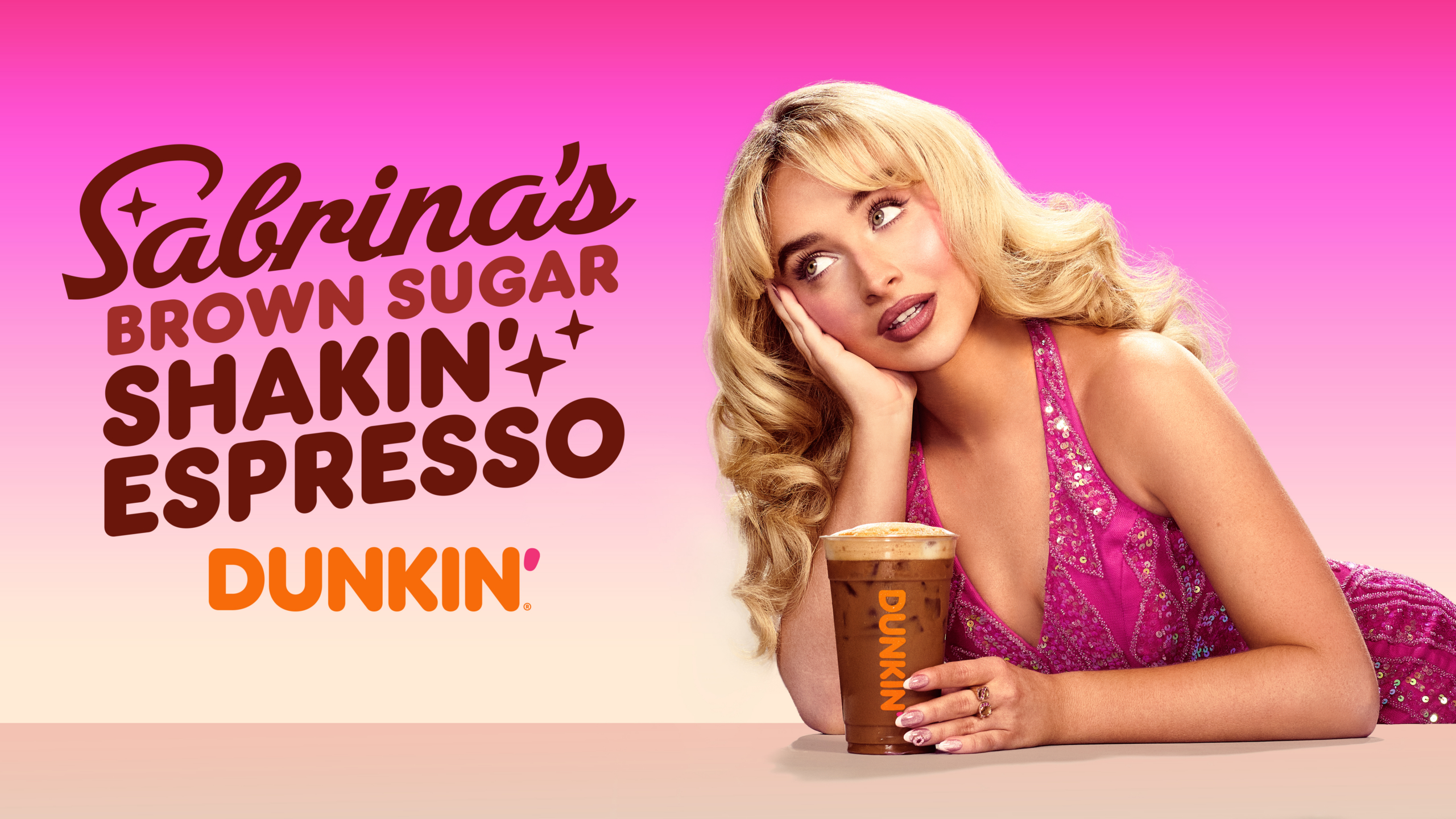
Hit Story and the rollout plays like a documentary — every real post, narrated, in order. And you see what actually carried it: the story. Taylor Swift’s albums resolve a narrative her fans have followed for months. SOUR hit because the world already knew the heartbreak — Olivia Rodrigo and Sabrina turned real life into two of the biggest campaigns in pop. Every post, tour date and video is an anchor holding that story up — and publicity feeds the public the story long before the album ever arrives. The coverage sells the story; the album is where the artist finally speaks for herself. Songs connect when people are invested in the person singing them. Story Mode teaches you to give people a story worth investing in.
One button, bottom-left: the entire research database — decades of campaigns, searchable without leaving the board. Open any file and start reading.
Over 1,000 iconic campaigns, deconstructed report by report — how Sabrina engineered Short n’ Sweet, Maggie Lindemann’s PARANOIA era, Olivia’s SOUR, the Spice Girls’ $500M merch empire. All searchable. Below, the database browses itself — opening files, highlights and all.
Every file in the database becomes your study — highlight the moves that speak to you, color-code them by topic, and jump back to any highlight from your library in one click. Pin notes in the margin, save anything to your moodboard for inspiration — and it all follows you across every artist you research. Below, a study session in progress.
Behind each board sits a full written report — the story, the numbers and the why behind every move. One button, without leaving the build.
Sixty-second cinematic breakdowns of scenes that prove what strong artist campaigns really do: attach songs to moments, images, eras, and emotions.
A familiar love song turns devastating the moment it plays against rejection instead of romance. A masterclass in what strong artist campaigns do: attach songs to moments, images, eras, and emotions.
A whole season of fear and separation pays off in one slow dance — then the last frame reminds you the danger never left. How to give fans closure and still plant the next chapter.
David and Sofia just draw, talk, and pay attention — but the song gives the moment the force of a door opening. How to make an audience feel a new era is possible before you ever announce it.
Browse hundreds of real rollouts, pick one apart move by move, then build your own — drag in the moments you love, translate them to your scale with the Idea Engine, and push it live to every DSP. Jump between campaigns, steal what works, ship your release. Without ever leaving the page.
Behind every board sits the Campaign Network database — the research engine the whole product runs on. Ask Zordon about any artist, campaign, or strategy and the file opens: the full written report, the numbers, and the why behind every move — then pull it into Build Mode and run the play yourself.
Zordon scans the campaign database, blueprints, and your saved highlights to find patterns for you.
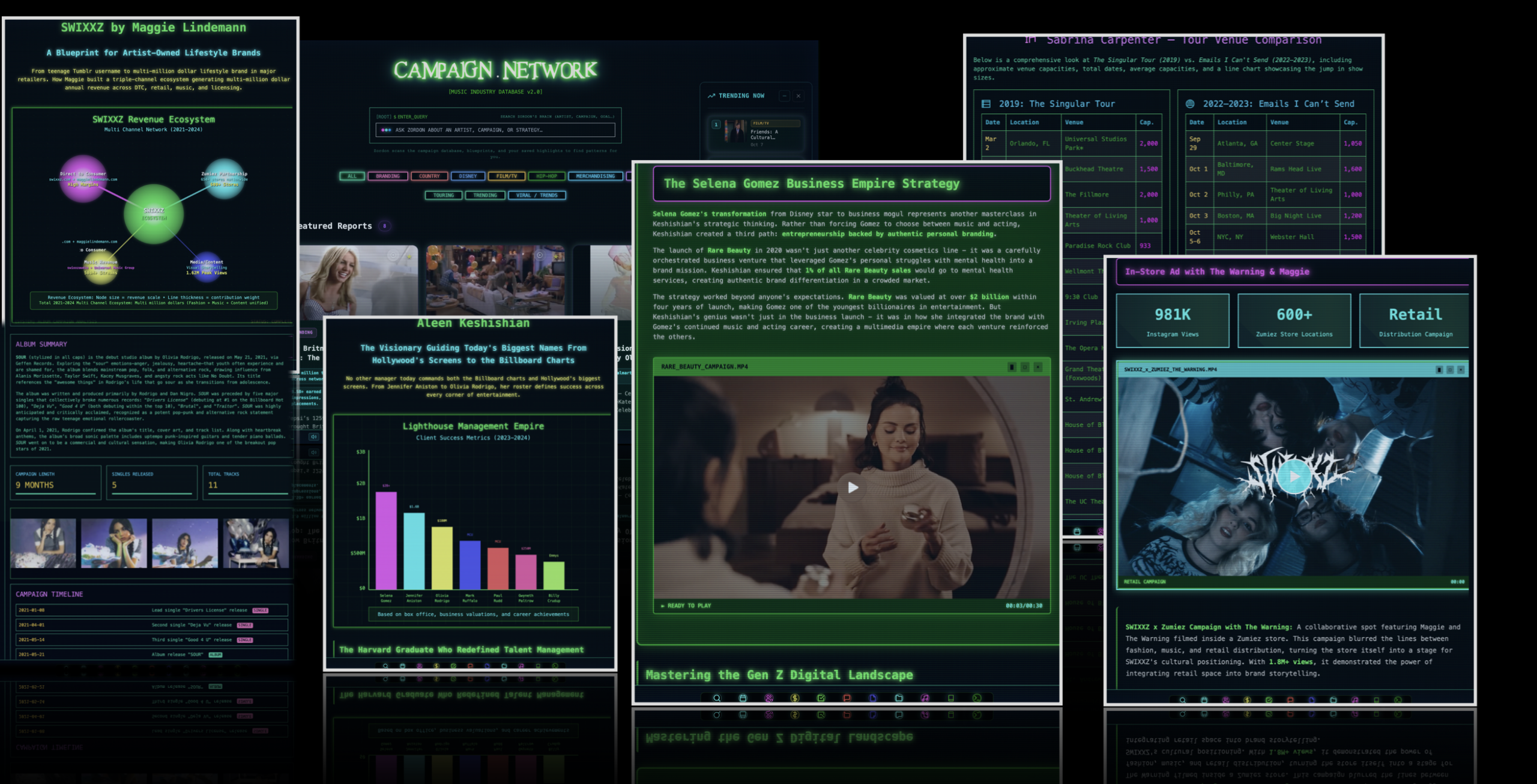
One prompt searches the entire archive — artists, campaigns, strategies. Filter by branding, film/TV, touring, merch, trends — or just ask the question the way you’d ask a mentor.
How Selena Gomez built a $2B beauty empire. How SWIXXZ became an artist-owned lifestyle brand. How one manager runs both the Billboard charts and Hollywood. Written down, sourced, readable.
Venue-by-venue tour comparisons. Multi-channel revenue ecosystems. Client success metrics. Not screenshots of charts — the actual data, drawn live, next to the story it belongs to.
Highlight the moves in your own colors, pin notes to yourself, save clips — and it all follows you across every artist you research, one button from the build board.
This isn’t a library you leave — the whole archive is wired into Build Mode. Open a report from the board, borrow its moves as ready-made posts, and execute your own campaign against the playbook you just read. Research on one screen, your rollout on the other — one system, zero tabs.
Posts, idea-engine moves, article highlights, whole reports — every clue you pin lands on one board that follows you into Build Mode. This one is real: an unsigned artist, researching their first album rollout. Shareable with one link.
Open the full board “ALBUM ONE — the plan before the plan” · compiled in The Study
Inside The Platform
The tools, analytics, and campaign features that make Campaign.Network a complete release workflow — not just another upload button.
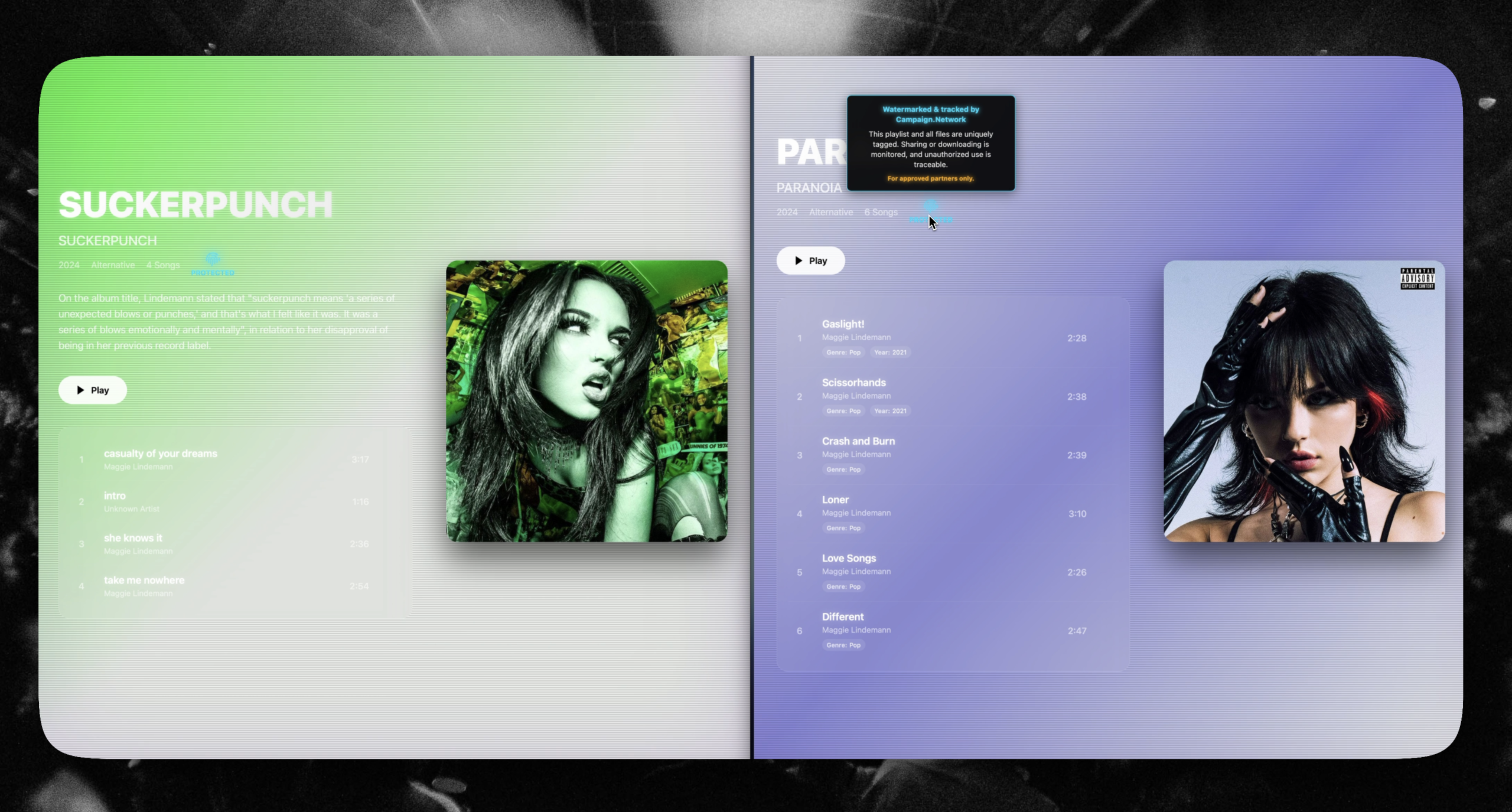
Upload your music to over 200+ DSPs.
CAMPAIGN VIEW and COMMERCIAL VIEW, now live on every MorphOS dashboard.
Watermarks let you embed an inaudible, recipient-specific ID into every track or playlist you share. If a file leaks, just drag it into the Music Manager scanner to trace exactly who it was assigned to—so you’re never left guessing.
Campaign management tools for labels, managers, and agencies
View Enterprise Features